Tablets are among the most convenient gadgets for work, study, and entertainment, but like any electronic device, they are not immune to damage or technical issues. From a broken tablet screen to a tablet not charging, these problems can be frustrating, especially if you rely on your device daily. The good news is that you can often fix these issues yourself if you know the right steps. Learning how to repair tablet not only saves money but also helps you extend the life of your device.
In this detailed guide, you’ll learn how to address ten of the most common tablet problems, including how to fix a broken tablet screen, how to replace tablet battery, repair tablet power button not working, fix tablet charging port, and repair tablet software issues. We’ll also cover when it’s wise to do a cheap tablet repair at home and when it’s safer to leave the job to professionals like Tech Doctor in Dallas, TX.
Understanding Tablet Components
Before learning how to repair tablet, it’s important to understand the basic components that make up your device. The touchscreen display is what you interact with daily, and it usually consists of two layers — the glass digitizer that detects touch input and the LCD panel that displays the visuals. If either layer is damaged, the display might not function correctly. The battery powers the device, but over time it loses its ability to hold a charge, which can cause shorter usage times. The charging port allows you to replenish the battery but can be prone to dust, debris, and physical wear from constant plugging and unplugging.
You also have power and volume buttons, which can fail mechanically or electrically over time. The speakers deliver sound, but if they are blocked or damaged, your audio experience will suffer. Finally, the software and operating system control everything, and if they become corrupted or outdated, they can cause glitches, crashes, and slow performance. Knowing these parts and how they work will make it easier to diagnose issues and decide whether to attempt a DIY tablet repair or seek professional assistance.
How to Fix a Broken Tablet Screen
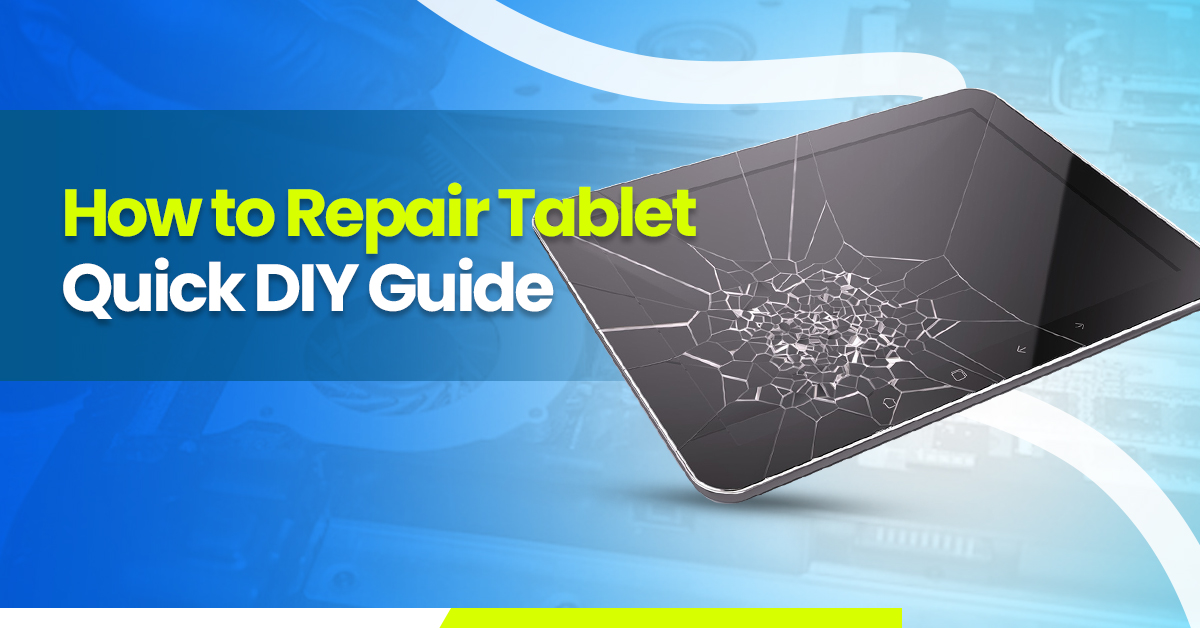
A broken tablet screen is one of the most common problems, and it can occur from drops, impacts, or even accidental pressure while in a bag. If the damage is only to the glass layer, you may be able to replace just the digitizer, which is more affordable than a full screen replacement. If both the glass and LCD are damaged, you’ll need a complete screen assembly.
To repair it, start by turning off your tablet completely and removing any SIM or memory cards. The screen is usually secured with strong adhesive, so you’ll need to gently heat the edges with a heat gun or hair dryer to soften it. Once the adhesive loosens, use a suction cup to lift one corner of the glass and carefully insert a plastic prying tool to work your way around the edges. Be patient during this step to avoid damaging internal parts. Disconnect the ribbon cables that connect the screen to the motherboard, then install the new tablet screen replacement. Reconnect the cables, reassemble the device, and test it before sealing it completely. Taking your time with each step will ensure a smoother repair process.
Not Charging – How to Repair Tablet
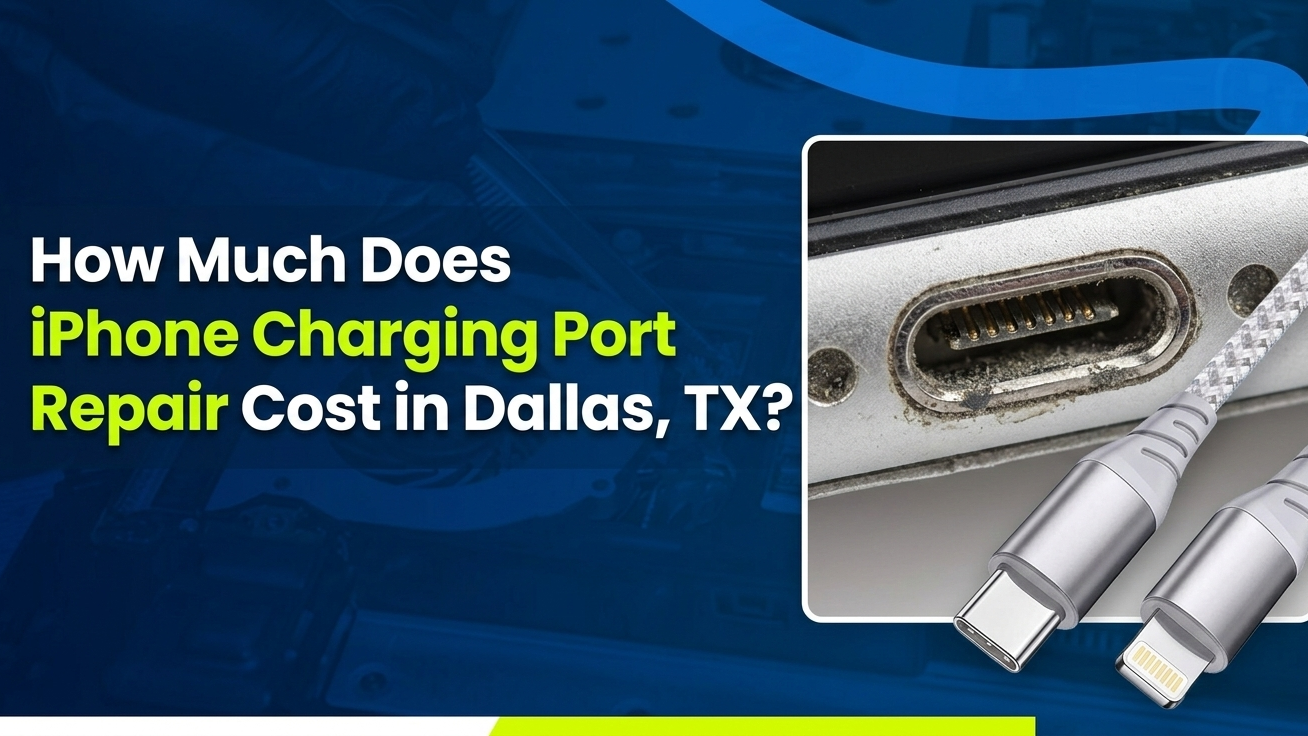
If your tablet not charging problem persists, it can be caused by several factors. Sometimes the issue is as simple as a faulty charger or cable, so it’s always a good idea to test with a different set first. If that doesn’t help, look inside the tablet charging port for dust, lint, or dirt that could be blocking the connection. Compressed air or a soft brush can remove debris without damaging the delicate connectors.
When cleaning doesn’t solve the problem, the issue could be a failing battery or a damaged charging port. If the tablet charges inconsistently, the port may be loose or the internal contacts could be worn down. In such cases, replacing the tablet charging port might be necessary. If the battery is the problem, replacing it following proper safety steps can restore normal charging function.
How to Replace Tablet Battery
One of the most common reasons people search how to repair tablet is to replace a worn-out battery. A failing battery often drains quickly, overheats, or causes the tablet to shut down unexpectedly. To replace it, first power off the device and remove the back cover. Many tablets have adhesive holding the battery in place, so you’ll need to gently pry it up without puncturing or bending it.
Once the battery is free, disconnect its connector from the motherboard and insert the new tablet battery replacement. Secure it in place, reconnect the connector, and reassemble the device. It’s important to use a high-quality battery that matches your tablet’s specifications to avoid performance or safety issues. After replacement, fully charge the new battery before use to calibrate it properly.
Cheap Tablet Repair at Home
Not all tablet problems require expensive repairs. A cheap tablet repair at home is often possible for minor issues. For example, if your screen has a small crack but still functions, applying a tempered glass protector can prevent further damage. If charging issues are caused by dirt, cleaning the tablet charging port can solve the problem without replacing any parts. Slow performance can sometimes be fixed by updating the operating system, uninstalling unused apps, and clearing cached data.
Preventive measures also count as part of affordable repair. Using a strong case and screen protector can prevent drops from causing serious damage. Avoiding overcharging and keeping your tablet in a safe environment will also reduce wear over time.
Repair Tablet Power Button Not Working
How to repair tablet power button not working can be caused by mechanical wear, dust buildup, or even a software freeze. If pressing the power button doesn’t work, try performing a forced restart using a combination of the volume and power buttons. If the problem is mechanical, you may need to open the tablet and clean the button contacts. In more severe cases, the button flex cable may need replacing. This process involves disconnecting the damaged cable and installing a new one before reassembling the device.
How to Fix Tablet That Won’t Turn On
If your tablet won’t turn on, it’s important to rule out simple causes first. Connect it to a charger and let it charge for at least 30 minutes, then try turning it on again. Sometimes a drained battery can take a while to respond. If that doesn’t work, a hard reset may bring it back to life. Each tablet brand has a different button combination for hard resets, so check your manufacturer’s instructions.
If the tablet still doesn’t respond, it could be due to deeper issues such as a damaged motherboard or internal power failure. These are more complex repairs that are best handled by professionals like Tech Doctor Dallas, who have the tools and expertise to perform advanced diagnostics.
How to Fix Tablet Speaker Not Working
When your tablet speaker not working issue occurs, it can be due to dirt blocking the speaker grill, software settings, or a faulty speaker component. First, check the sound settings and make sure the volume is turned up. If everything looks fine, gently clean the speaker grill with a soft brush or compressed air to remove any dust. If the problem persists, the speaker itself may need replacing. This involves opening the tablet, disconnecting the faulty speaker, and installing a new one that matches your device model.
Fix Tablet Charging Port
A damaged tablet charging port is another common repair issue. Over time, constant plugging and unplugging can loosen or damage the internal connectors. If your charger feels loose or only charges at certain angles, the port may need replacing. Repairing a charging port involves opening the device, desoldering the old port, and soldering a new one in place. This is a delicate process that requires precision and is often better handled by a skilled technician to avoid damaging the motherboard.
How to Repair Tablet Software Issues
Software glitches can cause your tablet to freeze, crash, or slow down significantly. Common tablet software issues include app crashes, unresponsive touch screens, and random restarts. Restarting your tablet often clears temporary bugs. Updating the operating system can also resolve compatibility problems. If the issues persist, performing a factory reset can restore the tablet to its original state, but make sure to back up your data first. In more serious cases, reinstalling the firmware may be necessary, which can be done using manufacturer-provided tools or by a professional repair service.
When to Seek Professional Repair
While many repairs can be done at home, some problems require professional expertise. Liquid damage, motherboard issues, and microsoldering tasks should not be attempted without the right skills and equipment. At Tech Doctor in Dallas, TX, our experienced technicians handle tablet screen repair, tablet charging port replacement, tablet battery replacement, and advanced repairs with precision. All our repairs come with a warranty, ensuring you get a reliable fix.
Conclusion
Learning how to repair tablet empowers you to fix common issues like how to fix a broken tablet screen, tablet not charging, how to replace tablet battery, how to repair tablet power button not working, fix tablet charging port, and how repair tablet software issues without spending a fortune. While many problems can be handled at home with the right tools and patience, some require professional help for a safe and lasting solution. When that time comes, trust Tech Doctor Dallas for expert, warranty-backed repairs.