
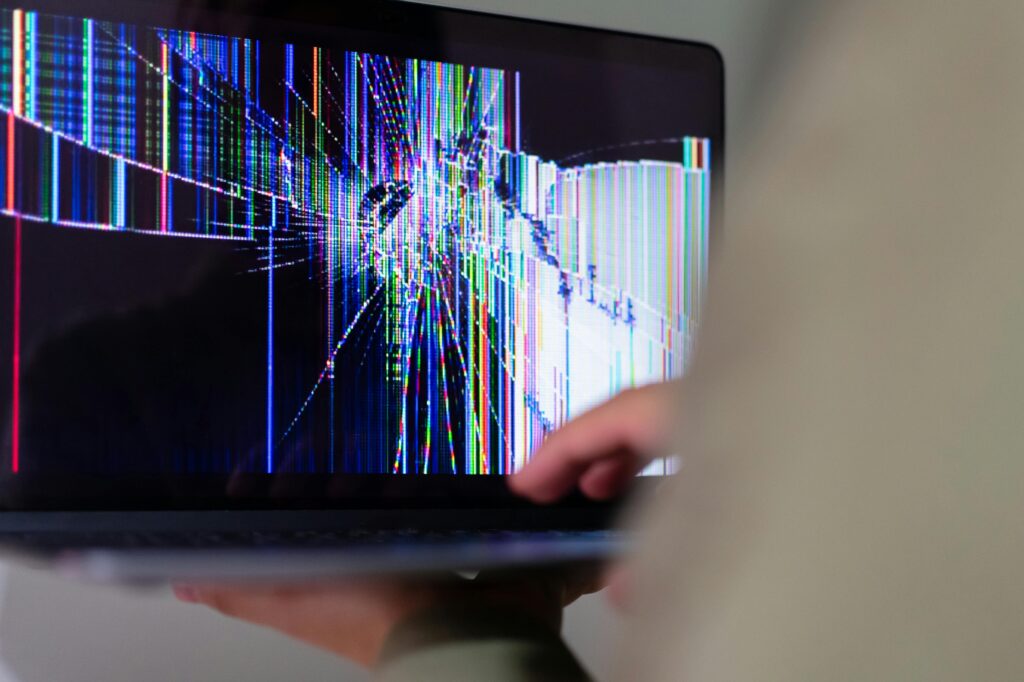
Broken laptop screens happen more often than you might think.
One wrong drop, a bit of pressure, or an accidental bump can leave you staring at a cracked or blacked-out display.
When this happens, the first question on most people’s minds is simple: How much is it to fix a laptop screen?
You’re not alone in asking. Every week, repair shops receive dozens of calls about laptop screen repair cost.
But the truth is, the answer depends on several factors.
In this guide, we’ll cover what affects laptop screen repair cost, your repair options, and how to avoid paying too much.
If you’re deciding whether to repair or replace your laptop, this is the place to start.
Signs Your Laptop Screen Needs Repair
Sometimes it’s obvious when your screen is damaged. Other times, the signs are more subtle.
Common signs include:
- Cracks or shattering across the screen
- Dead pixels or black spots that don’t go away
- Lines across the display
- Flickering or dim display
- Unresponsive display or partial screen working
If you see any of these, the display panel likely needs replacement.
The rest of the laptop may still function fine.
When in doubt, bring it to a professional for diagnosis. Laptop repair near me searches will help you find a trusted shop in your area.
Factors That Affect Laptop Screen Repair Cost
One reason why the cost to repair a laptop screen varies is that no two laptops are quite the same.
Many factors go into pricing.
1. Brand and Model
Not all brands cost the same to fix.
- MacBooks generally cost more to repair than Windows laptops.
- Premium brands like Microsoft Surface, Dell XPS, and HP Spectre also have higher part costs.
- Budget brands (Acer, ASUS, Lenovo IdeaPad) are typically more affordable.
2. Screen Size and Resolution
A larger display usually costs more to repair.
Likewise, higher resolution screens (Full HD, 4K) have higher part costs than standard HD displays.
3. Touchscreen vs. Non-Touchscreen
Touchscreens add complexity and cost.
You’re not just replacing the display; you’re also dealing with the touch digitizer layer.
This can nearly double the cost in some cases.
4. Availability of Replacement Parts
Older laptops, rare models, or discontinued lines may have limited parts available.
When parts are hard to find, prices go up.
5. Labor Costs in Your Area
Labor rates vary widely by location.
In larger cities, hourly repair rates may be higher.
Rural areas or smaller towns sometimes offer more affordable cheap laptop screen repair options.
Typical Laptop Screen Repair Cost Range
Now, the big question: How much is it to fix a laptop screen?
While exact prices vary (and shops usually won’t list fixed rates), here’s what typically influences costs:
Basic HD Laptop Screens
The least expensive repairs involve older or budget laptops with standard HD screens.
These are generally the most affordable to fix.
High-Resolution Screens (1080p+)
Higher resolutions require higher-quality panels, which cost more to source and replace.
Touchscreen Displays
As mentioned, touchscreens involve more parts and more labor.
Expect a higher repair cost here.
MacBook Screens
MacBooks (Air, Pro, Retina) are usually the most expensive to repair.
Apple uses custom panels that are pricier than generic parts.
Key Point:
If someone gives you one price without seeing your laptop, be cautious.
A trusted shop will diagnose your device first and explain your options.
When Is Laptop Screen Replacement Worth It?
Before booking repair, ask yourself: is it worth fixing?
Here’s how to decide:
Age of Your Laptop
If your laptop is under 3–4 years old, repair is usually worth it.
For older devices, weigh repair cost vs. replacing the laptop.
Overall Condition
If everything else works fine, and your laptop meets your needs, screen repair makes sense.
If the battery is also weak or other components are failing, replacement might be smarter.
Sentimental or Business Value
Some laptops contain irreplaceable data, specialized software, or hold sentimental value.
In these cases, even a higher repair cost is worth it.
Repair Options for a Broken Laptop Screen
When it comes time to repair your screen, you have several options.
Let’s compare them.
Authorized Service Centers
Pros:
- Original parts
- Manufacturer warranty honored
Cons:
- Often the most expensive option
- Longer turnaround times in some cases
Independent Local Repair Shops
Pros:
- Faster service (many offer same day laptop repair)
- More affordable than authorized centers
- Personalized service
Cons:
- Must choose a reputable shop carefully
DIY Repair (Not Recommended)
Pros:
- Lower part cost
Cons:
- High risk of damaging your laptop further
- May void warranty
- No guarantee of success
In most cases, professional repair is your best bet.
It saves time, reduces risk, and ensures proper reassembly.
Risks of DIY Laptop Screen Repairs
You may see online videos that make DIY look simple.
It’s not.
Risks include:
- Ordering incompatible parts
- Damaging display cables or motherboard
- Cracking new screen during installation
- Voiding your laptop’s warranty
Unless you have repair experience, professional service is safer.
How to Choose a Reliable Laptop Repair Shop
Not all repair shops offer the same quality.
Before booking service, here’s what to look for:
1. Good Reputation
Check Google reviews for shops offering laptop repair near me.
Look for consistent positive feedback on screen repairs.
2. Clear Communication
A trustworthy shop will:
- Diagnose the issue before quoting a price
- Explain your options clearly
- Offer a warranty on the repair
3. Fair Pricing
Be cautious of prices that seem too low or too high.
A reputable shop will offer value without cutting corners.
4. Local Convenience
Choosing a local shop beats shipping your laptop out.
Look for computer repair near me or laptop display repair services in your town.
How to Prevent Laptop Screen Damage
You can’t prevent every accident.
But you can lower the odds of breaking your screen.
Use a Protective Case or Sleeve
When transporting your laptop, always use a padded case or sleeve.
This protects against bumps and drops.
Handle with Care
Close your laptop gently.
Never pick it up by the screen.
Avoid Stress on Hinges
Rough handling can stress hinges, causing flexing or cracking of the display.
Clean Properly
Use a microfiber cloth and gentle pressure.
Avoid household cleaners that can damage the display.
Conclusion
How much is it to fix a laptop screen? The answer depends on your laptop’s make, model, screen type, and local labor costs.
Here’s what to remember:
- A professional diagnosis is key.
- Repair is often worth it for newer laptops.
- Choose a reputable local shop.
- DIY repair carries real risks.
If you’re dealing with a broken laptop screen repair decision, start by getting a clear quote.
Trusted repair pros will guide you through the process without pressure.
Finally — treat your laptop screen gently moving forward.
A little prevention saves a lot of hassle (and money) later on.
Related Articles
Broken Gaming Setup? Here’s What You Need to Know